



 Set up

 Record
A take
 A take
Record a tab
Starts after a 3 s countdown · ⇧⌘S to stop
- 1Open the tab you want, then click PointerCam in Chrome’s toolbar.
- 2Press Record and work as you normally would. PointerCam follows every click.
- 3Press Stop. The take opens in the editor, zoomed in where you clicked.
⇧⌘SStop⌥⇧DDraw on the page
To record more than a tab, pick Window or Screen in the popup. Clicks are followed on web pages.
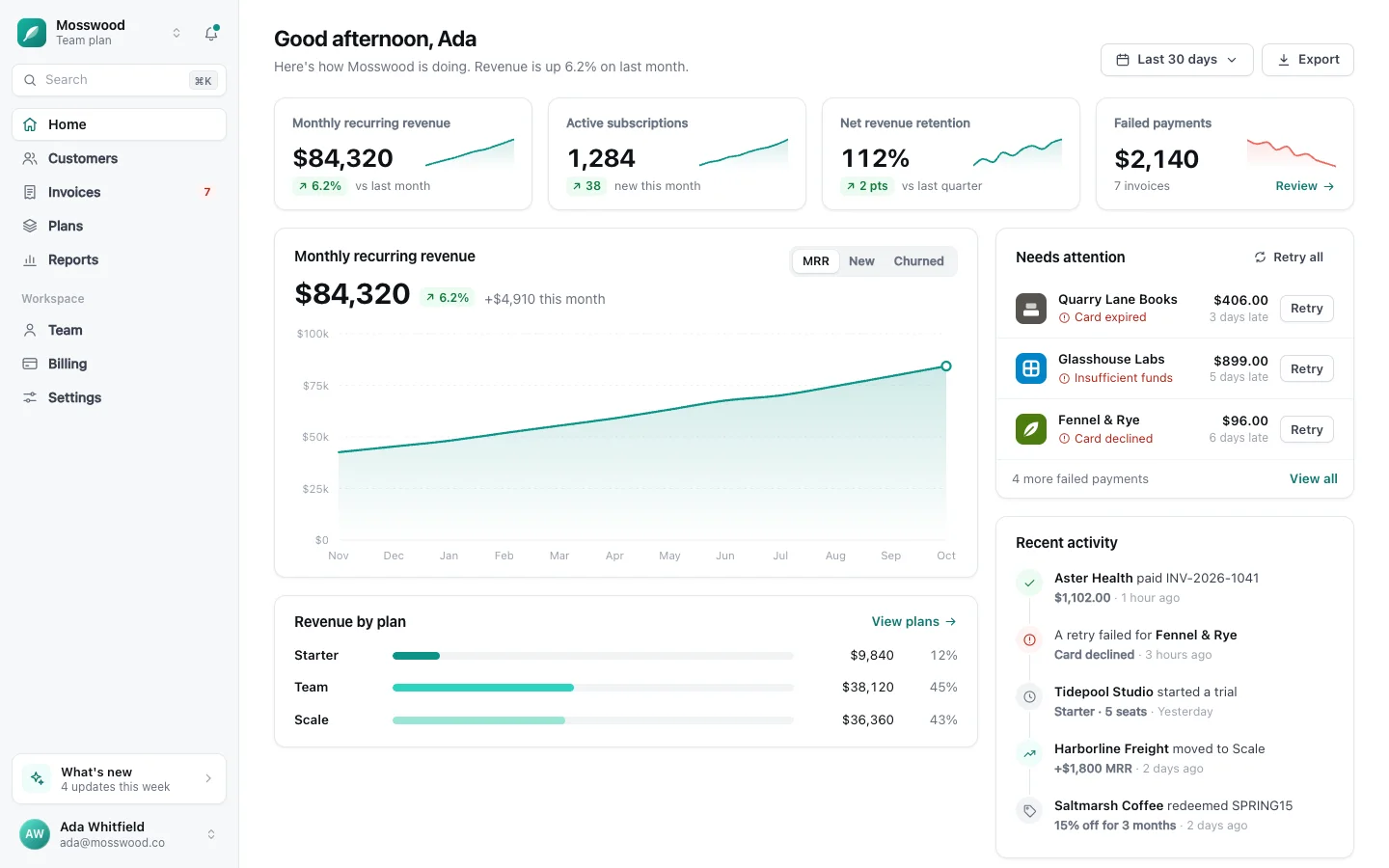
 A screenshot


 Edit
Edit
 Step-by-step guide
 Keys and pointer
 Help
Help