

Draw on the screen while you record
Press ⌥⇧D during a take to circle, point at, box or highlight things. Drawings fade 3 seconds after you stop, unless you keep them.
Mac appChrome
Where to find it
- During a take
- The bar on the page
- Draw
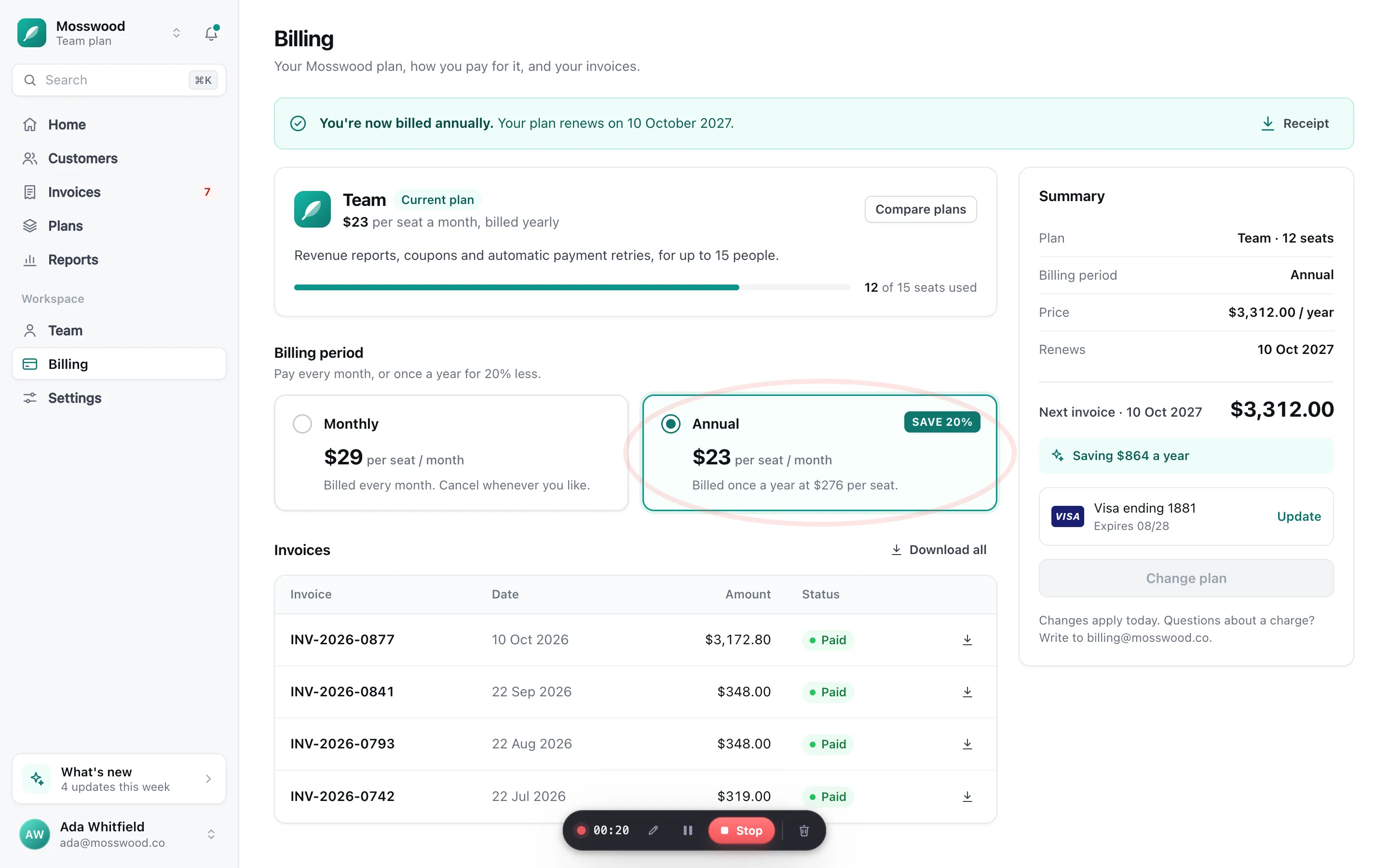
- 1During a take, press Draw on the bar, or press ⌥⇧D.The pointer becomes a pen and a tray of tools appears.
- 2Pick a tool and a colour, then draw.
- 3Press Esc, or Draw again, to go back to working normally.
Tools#
- Pen
- Press P to pick it.
- Highlighter
- Press H to pick it.
- Arrow
- Press A to pick it.
- Rectangle
- Press R to pick it.
- Ellipse
- Press O to pick it.
- Colours: red, amber, yellow, teal, blue, white and black. Press 1 to 7 to pick one.
- Line weight: Thin, Regular, Bold. Press [ and ] to change it.
- Undo takes back the last mark, and Clear removes them all.
- Keep drawings stops them fading. Otherwise every drawing fades 3 seconds after your last mark.
What happens to the drawings#
Steps for
The Mac app files your drawings separately from the picture. In the editor you can show or hide all of them, or leave out a single drawing, under Cursor › Drawings in Pro.
Turn on Zoom to drawings and each drawing gets a close-up, like a click. See Drawings in the editor.
In Chrome the drawing is part of the recorded page, so it is in the picture. The editor lists each drawing under Cursor › Drawings in Pro, and pressing one jumps to it.
Read next
Drawings in the editorWhat you drew while recording is listed under Cursor › Drawings. In Mac takes you can hide any drawing, or all of them, and give each one a close-up.Pause, stop or discard a takeEvery take has a small bar with the clock, Draw, Pause, Stop and Discard, and keys that work from anywhere. The Mac app keeps its bar out of the video.Record your screen on a MacChoose New Recording from the PointerCam menu bar icon, pick a display or a window, and press Record. Your clicks are followed in every app.Record a browser tabClick PointerCam in Chrome’s toolbar, keep Tab selected and press Record this tab. Every click on the page is followed, and Stop opens the take in the editor.


Something not working the way this page says? See Troubleshooting, or start from Getting started.